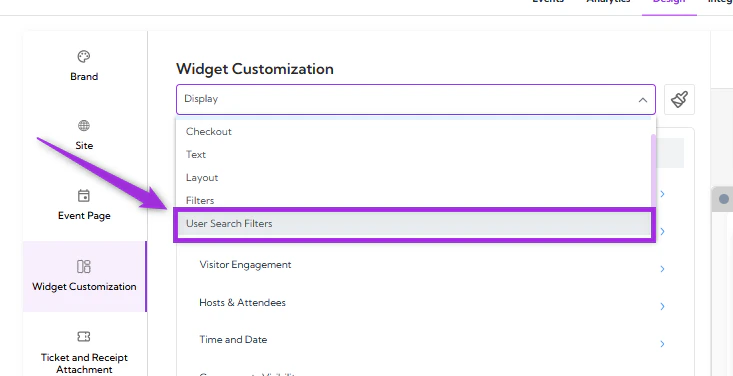
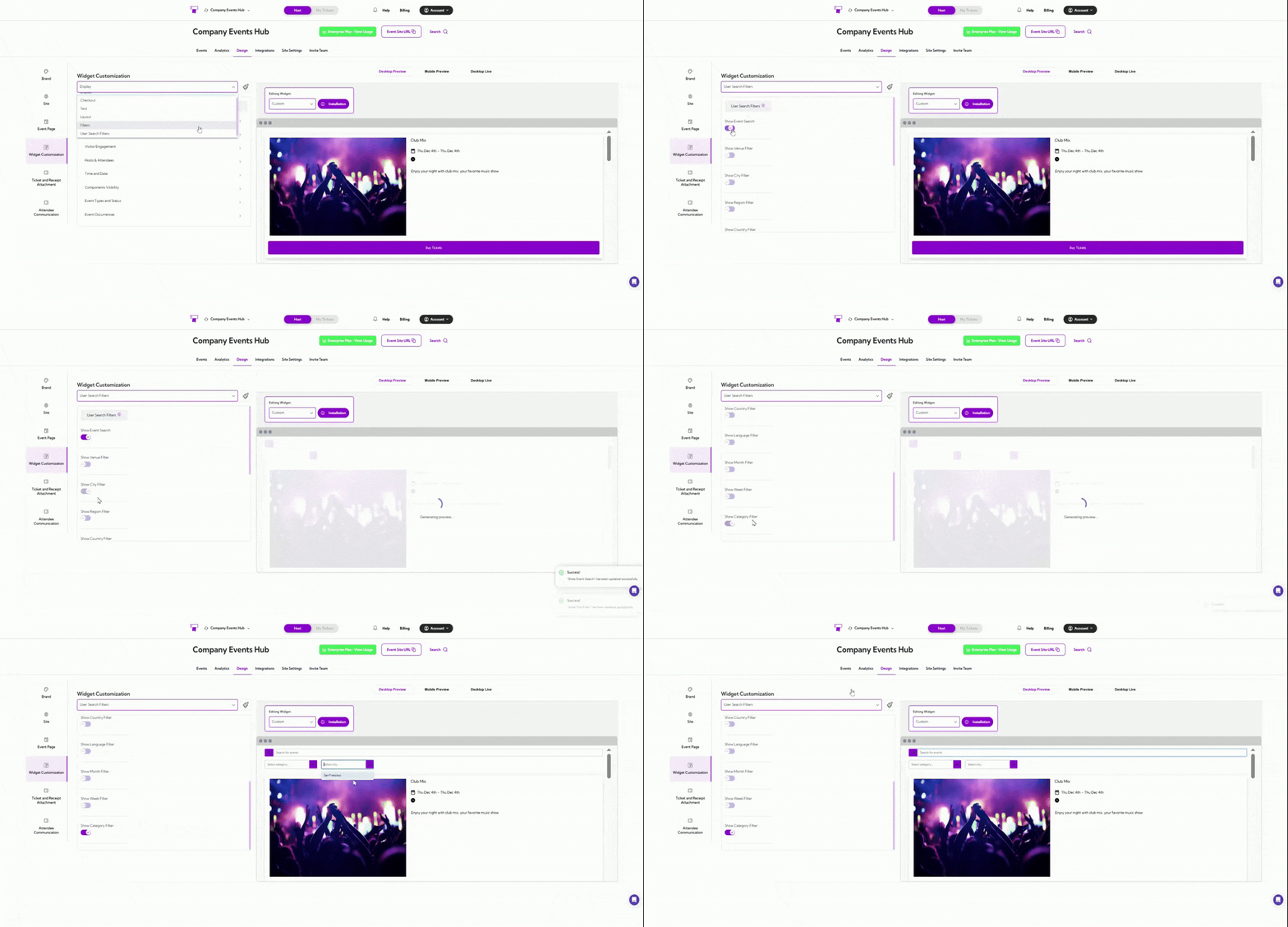
| Show Event Search | Enables a search bar for users to search events by title or keyword. |
| Show Venue Filter | Adds a filter allowing users to narrow events by venue. |
| Show City Filter | Allows users to filter events based on city. |
| Show Region Filter | Let’s users filter events by region. |
| Show Country Filter | Displays a filter for selecting events by country. |
| Show Language Filter | Enables filtering events based on language preferences. |
| Show Month Filter | Allows users to refine events by month. |
| Show Week Filter | Adds a filter to browse events by week of the year. |
| Show Category Filter | Let’s users filter events by event category or type. |